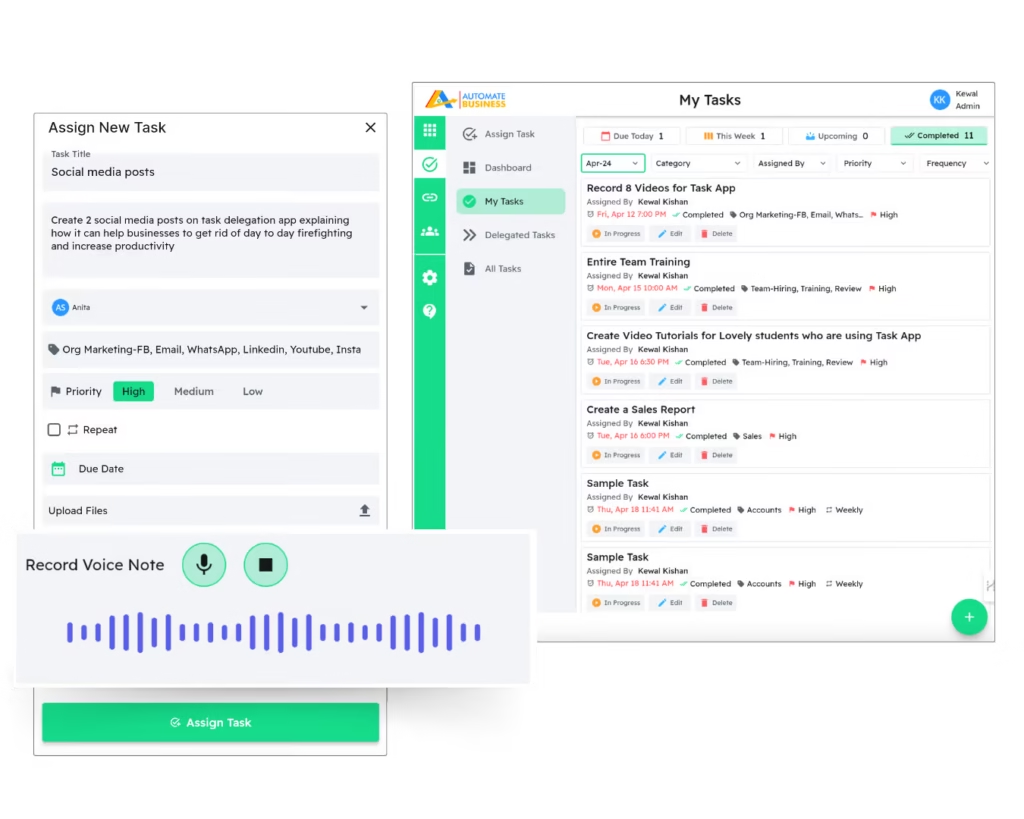
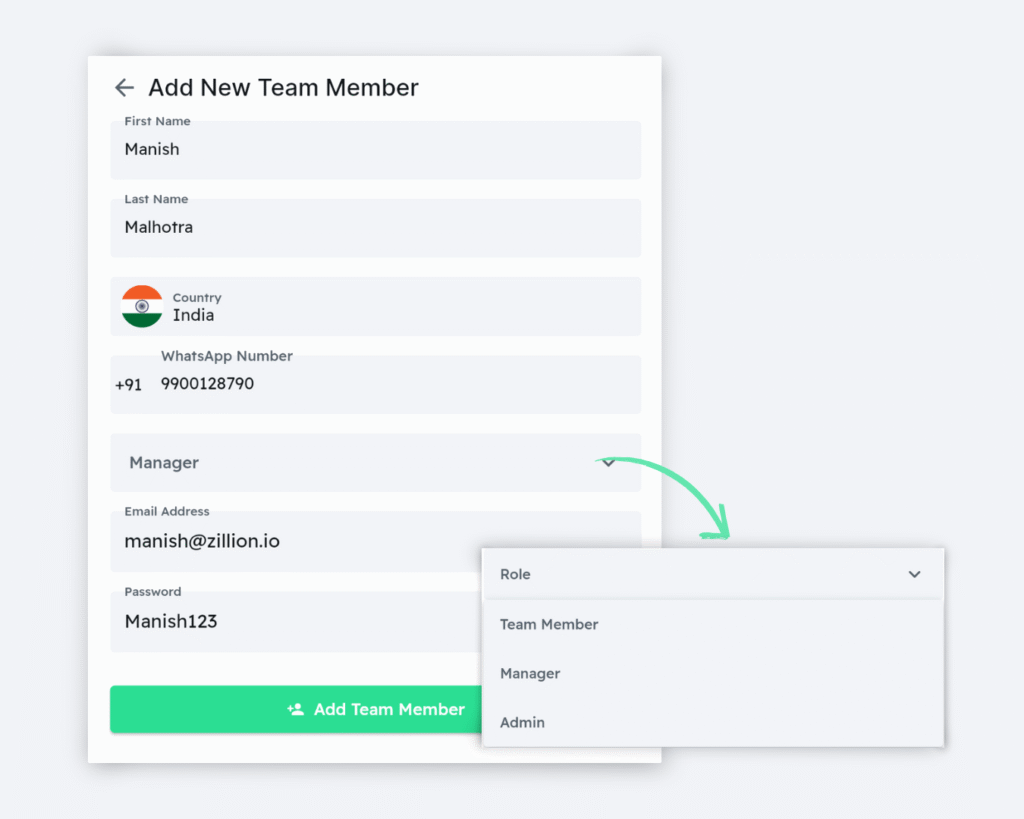
Add your teammates, assign roles to each member, and ensure everyone knows their daily, weekly, and monthly tasks.
Add your teammates, assign roles to each member, and ensure everyone knows their daily, weekly, and monthly tasks.
02
Delegate tasks to your team
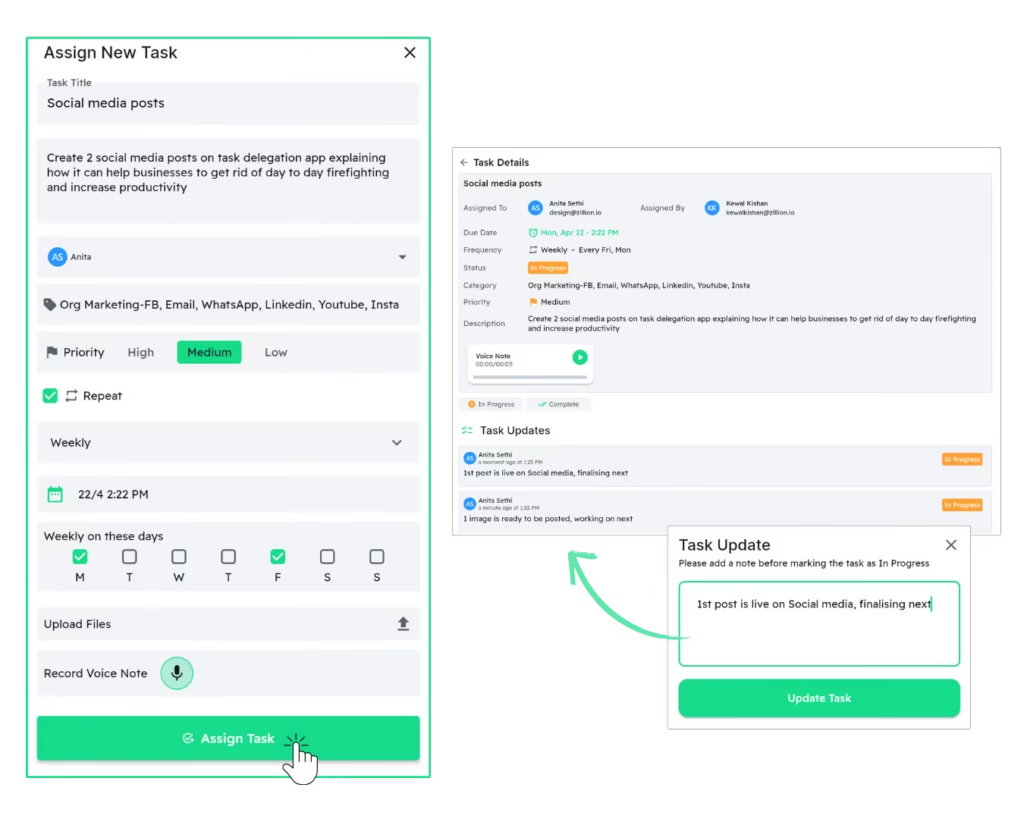
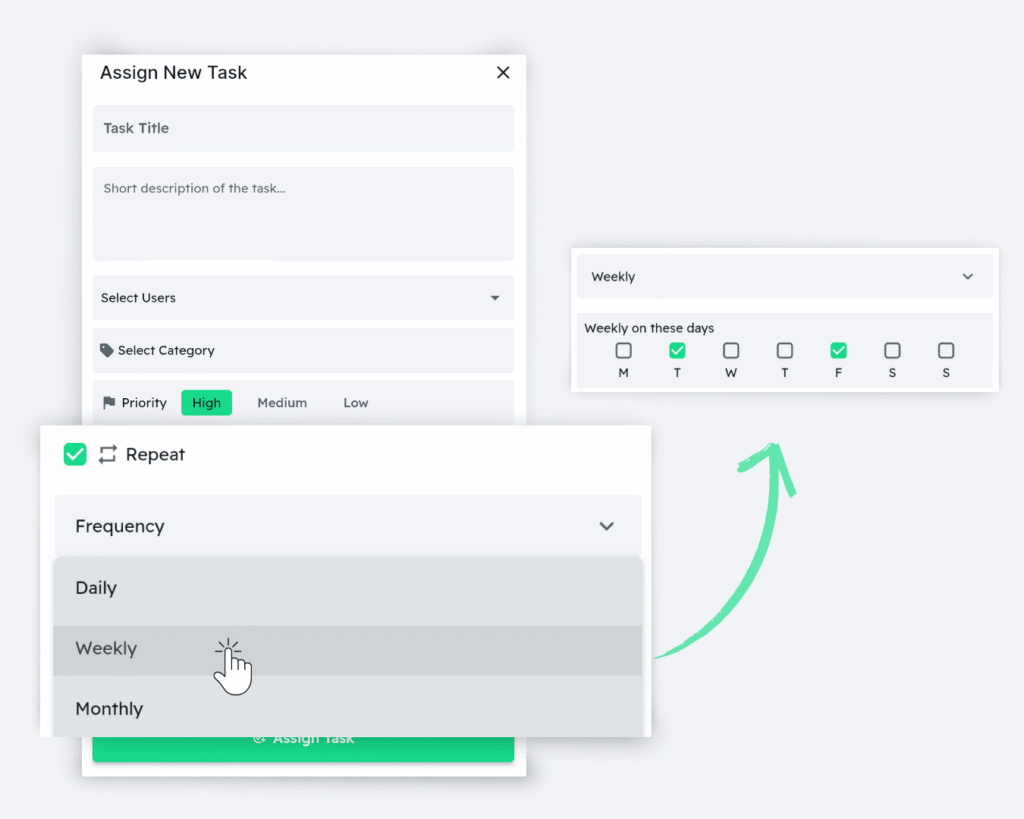
Assign one-time or recurring tasks with detailed descriptions, priority, deadlines, and attachments.
Through comments, teammates can update task statuses, request revisions, and request more information.
03
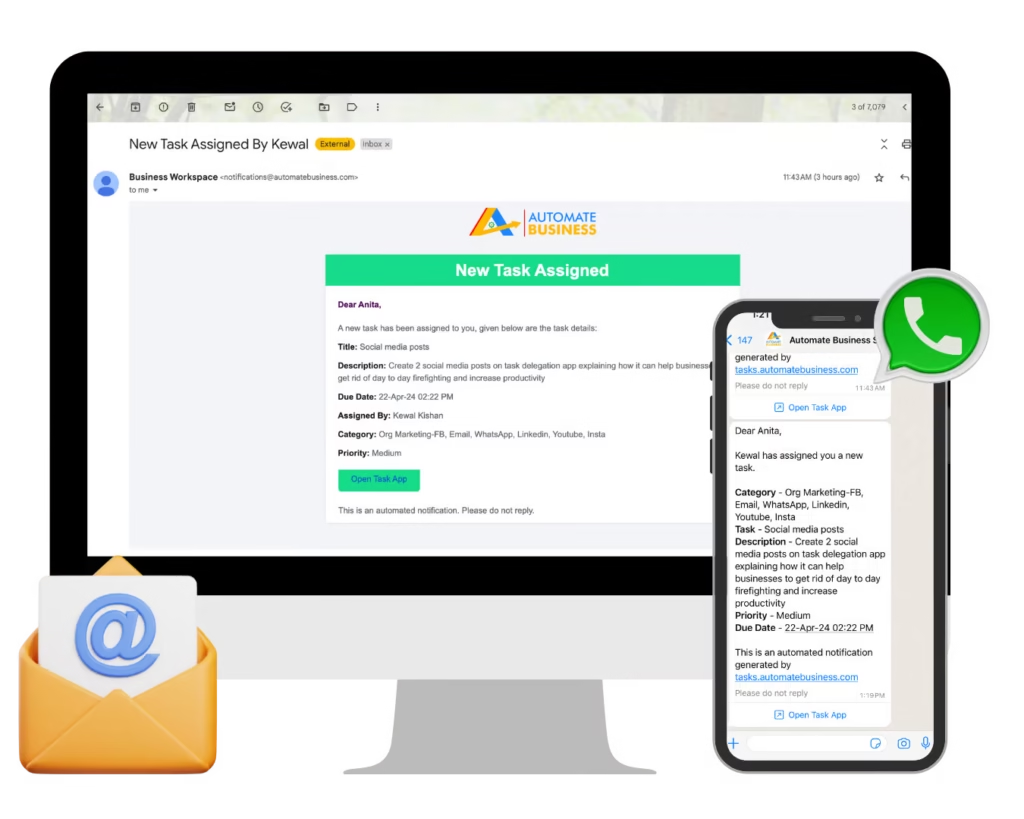
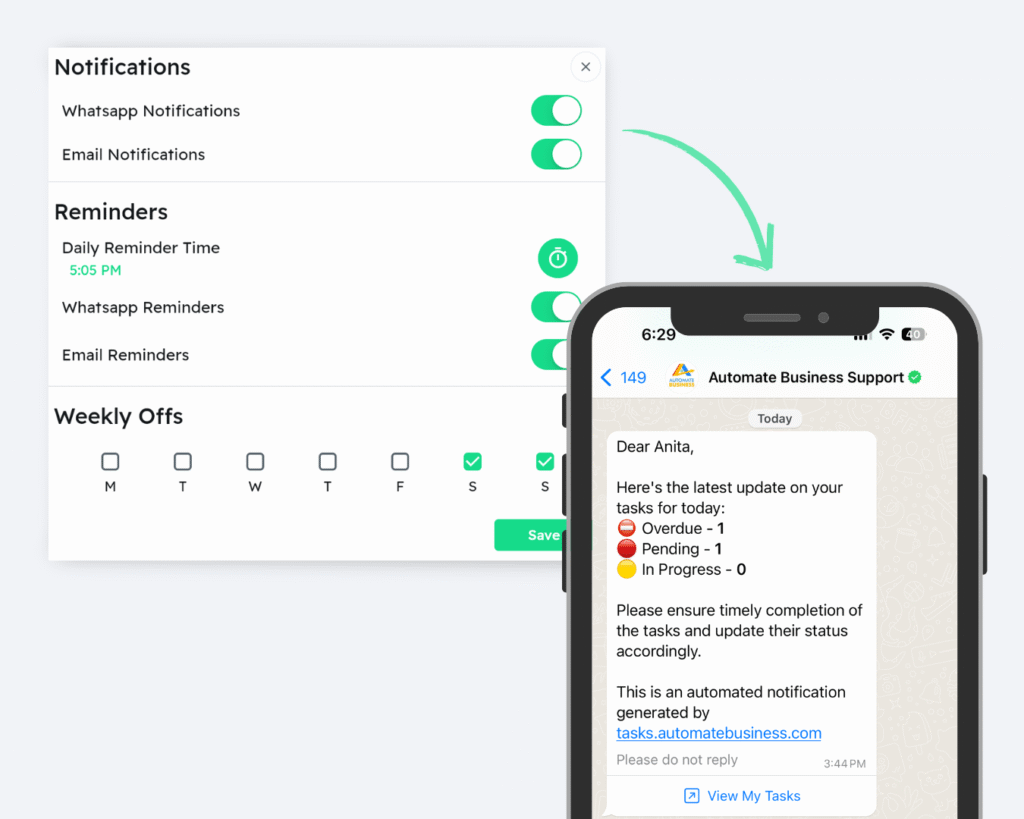
The Team will receive notifications
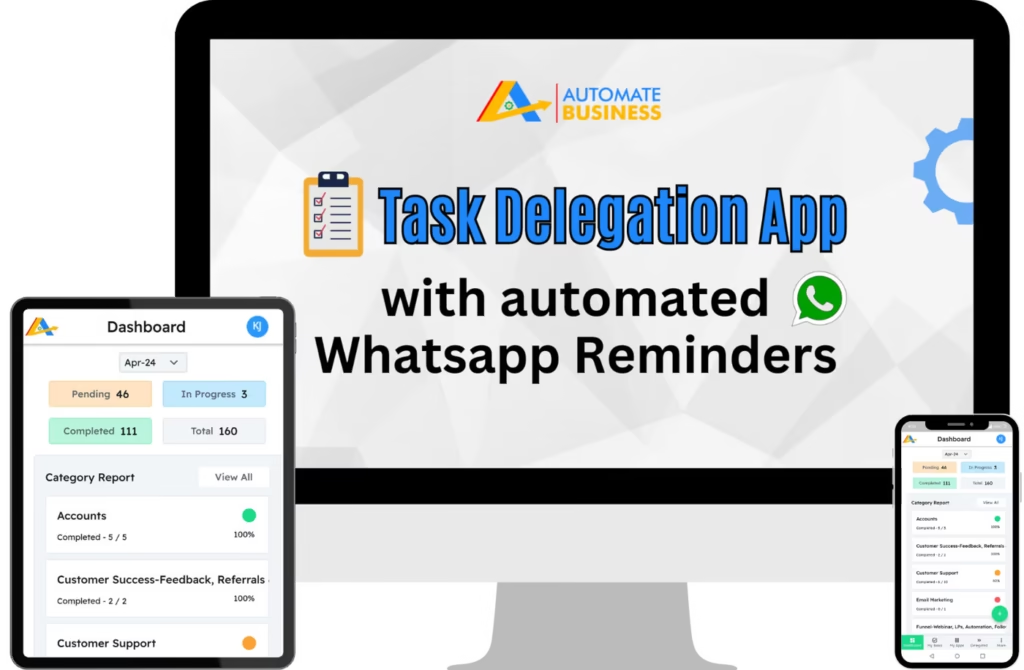
Instant WhatsApp alerts about new tasks on their mobile devices.
Clear task ownership and real-time updates foster a sense of responsibility and ownership.
04
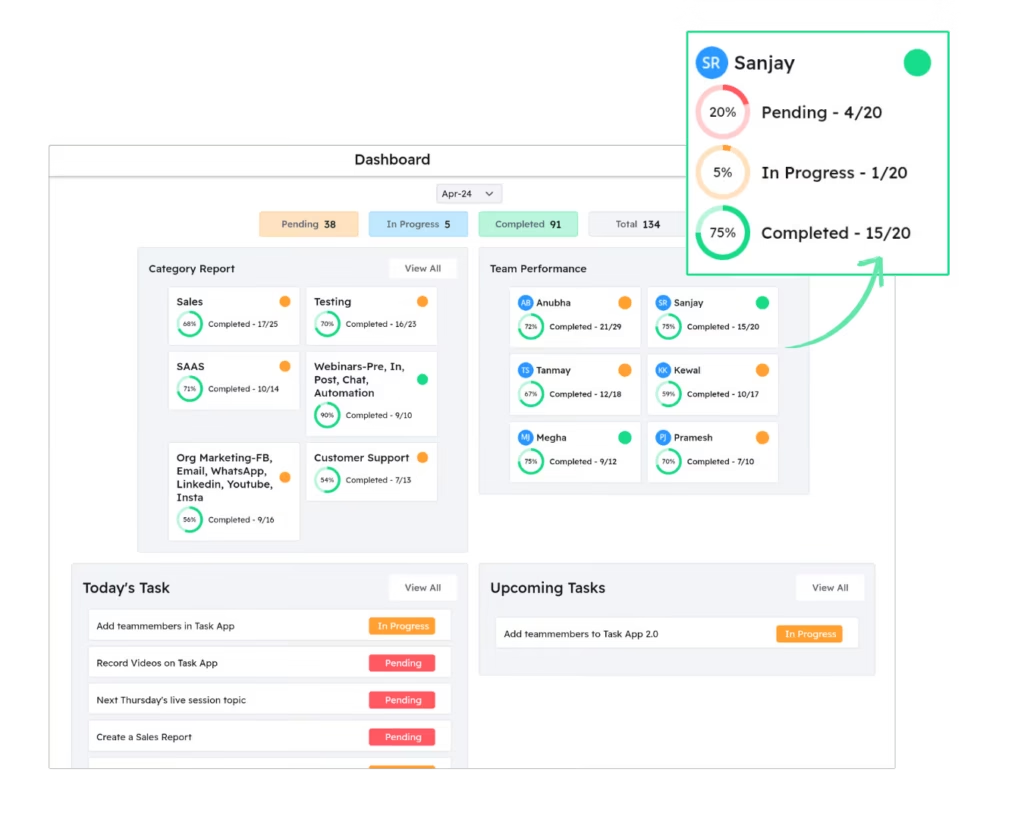
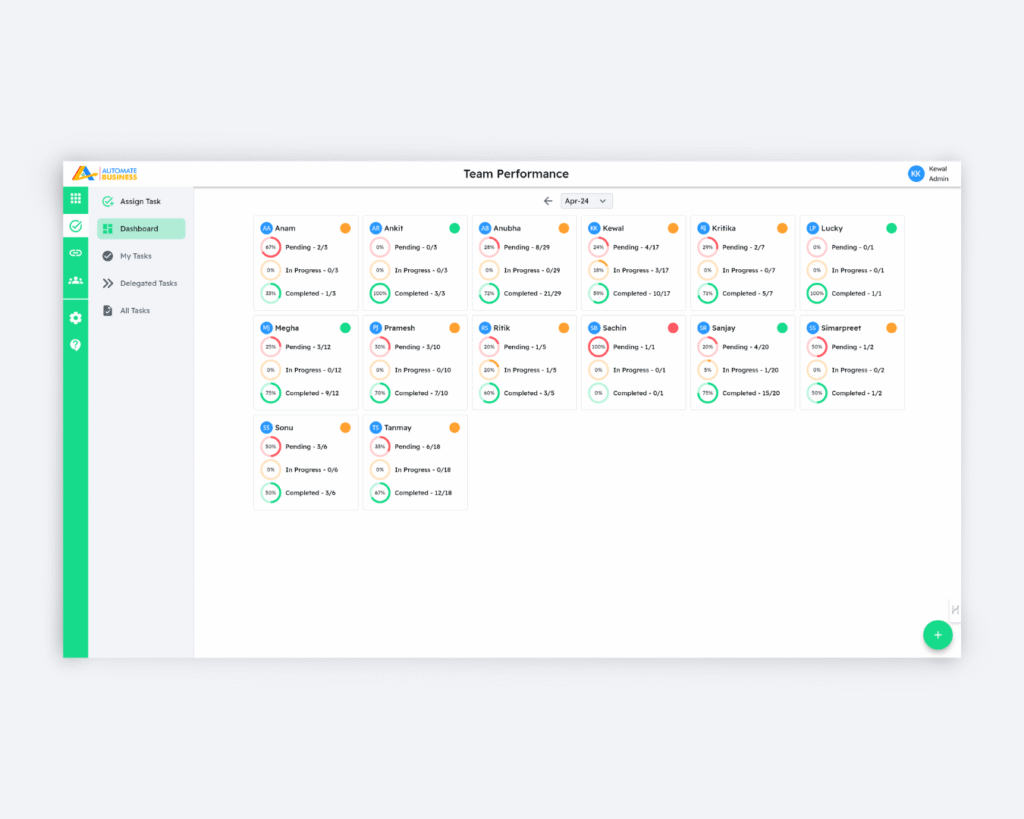
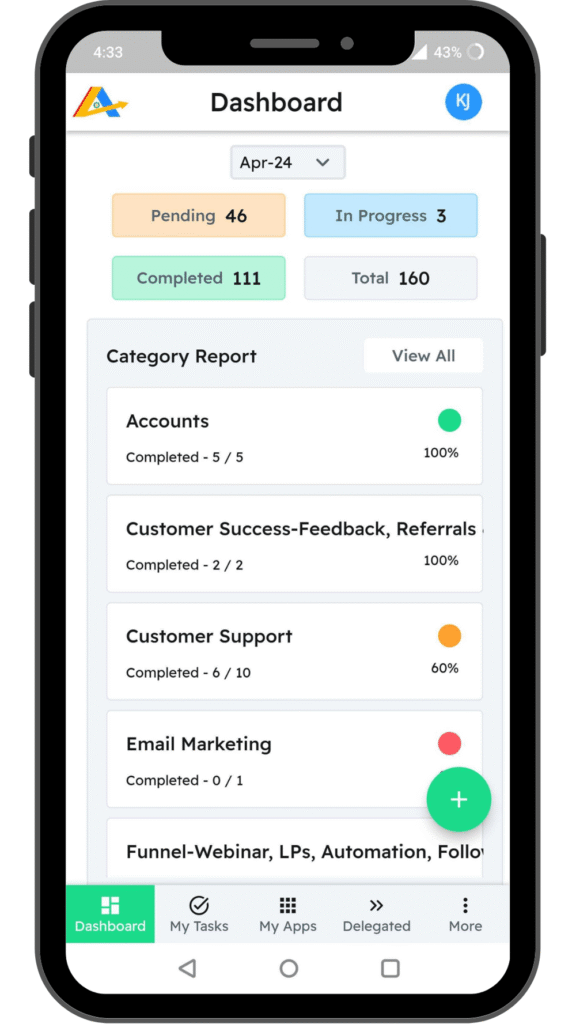
Check progress using MIS score
Track task progress within the app with instant notifications on completion.
Gained insights into team performance to identify areas of improvement.
Used by 10,000+ MSMEs Across India
Sanjiv loves assigning tasks with Audio Notes, saving time. The dashboard keeps him organized, and automated reminders reduce follow-ups, saving 3-4 hours daily.
Sanjiv Verma
(Pharma Manufacturer)
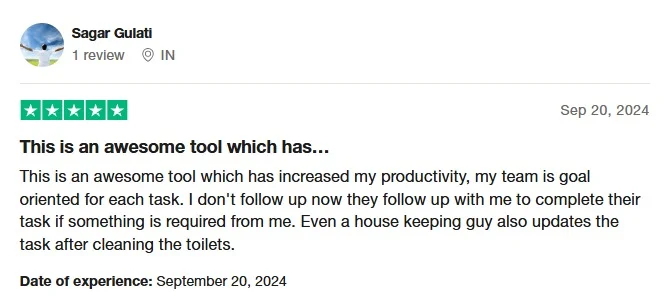
Sagar's team thrives with Task's dashboards, easy tracking, and automated reminders, boosting efficiency and accountability.
Sagar Gulati
(Imports and Trading)
Rohit, an EV battery manufacturer, found our Task app to be a game-changer for his team's productivity in the last two years. Automated WhatsApp notifications and reminders on tasks saved him significant time.
Rohit Jaiswal
Lead Acid Storage Batteries
Automate Tasks was able to take a lot of load away from my mind. Earlier, we used to forget tasks, now it is difficult to forget because Task app keeps us updated with everything that needs to be done.
Gaurav Sota
Service Provider
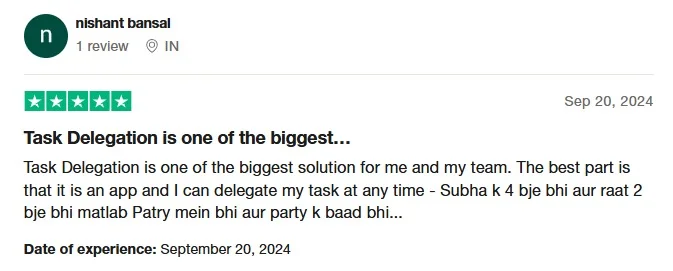
"This Task Delegation App has been a revelation! It's a one-stop solution for managing my team's tasks. No more endless follow-ups – the app keeps everything clear and organized. Plus, the real-time updates make it easy to see how everyone's performing. It's like having a window into their productivity, which is a huge help when it comes to performance reviews."
Nishant Bansal
PR & Events
"Your Task Delegation App is a lifesaver! Real-time updates let me see task progress at a glance, and departmentalized reports make tracking team performance a breeze. Plus, it's helped us define clear processes for delegating and tracking tasks. Now, everyone's on the same page, freeing me up for strategic work. Thanks"
Suril Kamdar
Event Management
Why You Need a Task Delegation App (Not WhatsApp or Registers)
Updates
Reports
Leave Confusion
Missed Deadlines
Manual Task Tracking
Need to ask manually
Team se mangwana padta hai
Frequent
Regular
Task Delegation App
Real-time tracking
Auto-reports at EOD
Visible & clear
Auto-reminders
Business owners should lead the team, not babysit it.
Automate your delegation & manage your team like a CEO.
Yes, Automate Tasks keeps a history of changes and updates made to tasks, allowing you to track progress and modifications over time. This is achieved through status updates section.